
Videofied Keypad Maintenance Tips for Construction and Mining Sites
12 min. read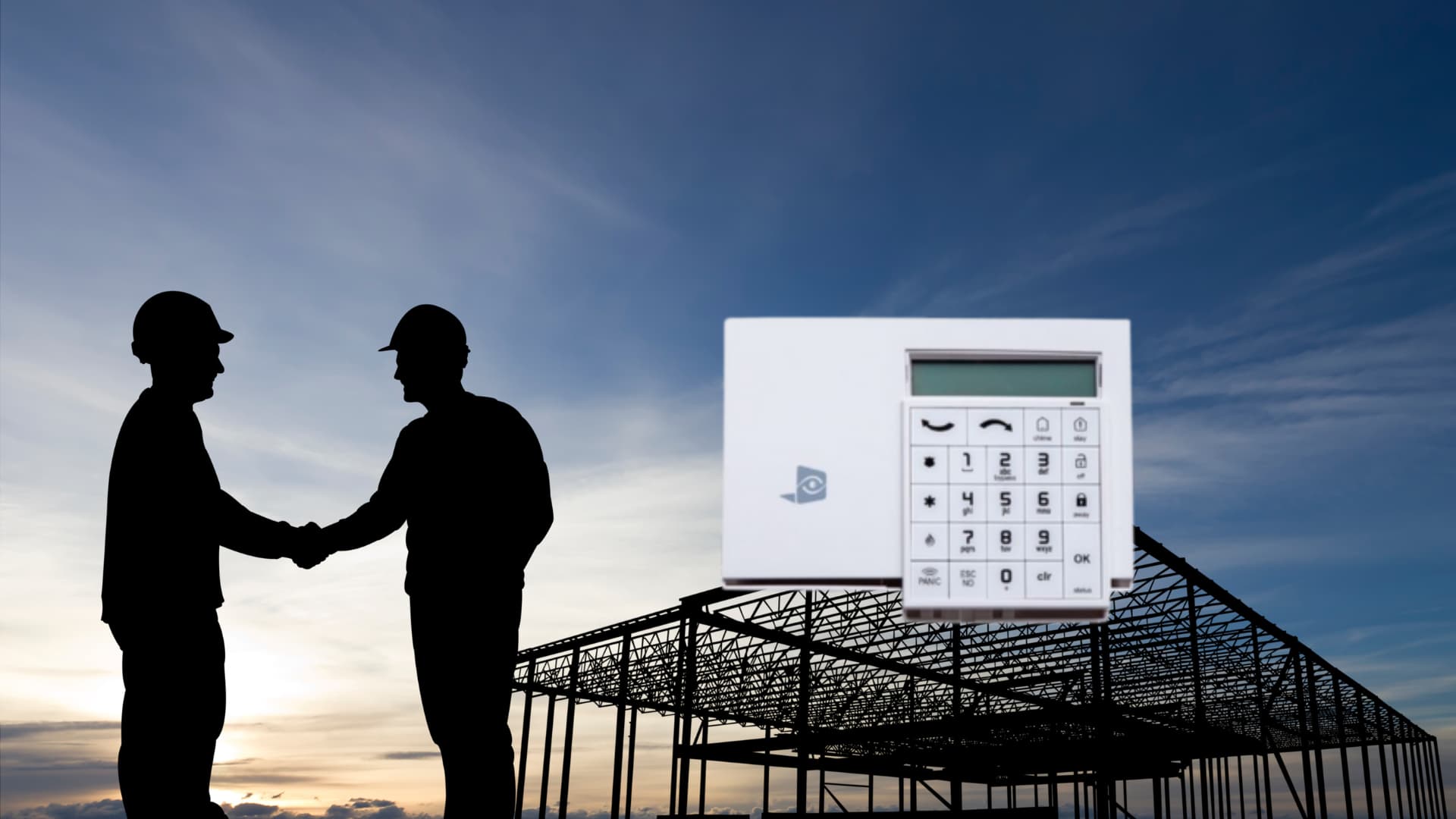
Preventative maintenance and troubleshooting guide for Videofied keypads. Keep your security system operational in harsh construction and mining environments.
Understanding Your Videofied Keypad System
Videofied systems are designed specifically for harsh environments, offering wireless, battery-powered surveillance that works even in remote locations without power infrastructure. The keypad serves as your interface with the Videofied video security system.
Key components of a typical Videofied system include:
- The keypad panel
- Motion-sensing cameras
- Videofied control panel
- Professional monitoring services
Preventative Maintenance for Videofied Keypads
1. Regular Battery Checks
Most operational issues with Videofied keypads stem from power problems. To avoid disruptions:
- Check battery levels monthly through the keypad status menu
- Replace batteries when they reach 30% capacity
- Use high-quality alkaline or lithium batteries appropriate for your model
- Keep spare batteries on site, especially in remote locations
2. Physical Inspection and Cleaning
Construction and mining environments are notoriously dusty and harsh. Quarterly maintenance should include:
- Gently cleaning the Videofied keypad surface with a slightly damp microfiber cloth
- Checking for dust accumulation in button crevices
- Inspecting for physical damage to the housing
- Verifying that all connections are secure
3. Environmental Protection
Protect your Videofied keypad from environmental extremes:
- Install weather-protective housing in outdoor applications
- Position keypads away from direct sunlight and extreme temperature fluctuations
- Consider using protective films or covers in particularly dusty environments
- Ensure proper drainage around outdoor installations
Troubleshooting Common Videofied Keypad Issues
No Display or Poor Visibility
If your keypad display is blank or difficult to read:
- Check the power source and replace batteries if necessary
- Adjust the contrast settings through the maintenance menu
- Clean the display carefully to remove any debris
- If problems persist, the LCD display may need professional replacement
Connectivity Problems
When your Videofied camera isn't communicating with the keypad:
- Verify that all components are within proper range (typically 200-300 feet in open areas)
- Check for interference sources like large metal objects or electrical equipment
- Test signal strength using the keypad diagnostics tool
- Consider adding a signal repeater for challenging locations
Keypad Unresponsive to Input
If buttons aren't responding:
- Perform a system restart by disconnecting and reconnecting power
- Check for debris under buttons that might be causing obstruction
- Enter engineering mode (if accessible) to test individual buttons
- Document which buttons are unresponsive for support assistance
System Tamper Alerts
False tamper alerts can occur in active work environments:
- Verify that all equipment is properly mounted and secure
- Check that device covers are fully closed
- Adjust sensitivity settings if available for your model
- Update tamper zone parameters through the engineering menu
When to Seek Professional Support
While many issues can be resolved through basic maintenance, contact professional support when:
- System continues to malfunction after basic troubleshooting
- You need to reprogram or reconfigure the system
- Physical damage has occurred to critical components
- You're experiencing repeated false alarms
- Your system requires firmware updates
Your Videofied Support Partner
At RadiusVision, we understand that downtime in your security system isn't an option. As your one-stop-shop for all things Videofied, we provide comprehensive support including:
- 24/7 professional monitoring services
- Technical troubleshooting and remote diagnostics
- Replacement hardware and emergency repair services
- System upgrades and expansions
- Customized solutions for construction and mining operations
Whether you need a new Videofied camera system, replacement keypads, or expert support to resolve persistent issues, our specialized team is ready to help maintain your security infrastructure.
Schedule a Free Consultation to ensure your Videofied security system remains operational when you need it most.
Share this article: